 WIUNIX ACADEMY
Kubernetes Evicted Pods: distinguish node pressure, OOM and admission
Connect Evicted to the node’s actual resource and time window; distinguish container OOM, scheduling failure and admission, then verify workload recovery.
Make this guide yoursYOUR SYSTEM. YOUR STEPS.
Where are you working?
Choose your OS and version. The prerequisites, commands and troubleshooting follow your environment.
USE YOUR OWN VALUES
Configure this tutorial
Set the example values for your environment; related explanations and copy panels update together. Never enter passwords, private keys or tokens. Values stay in this tab and are not sent to the server or share links. Check actual DNS, certificates and network policy before running commands.
Different IP addresses, domains or ports? Open the settings below, change the values and select “Apply to tutorial”, then copy the updated commands.
Set values for my environment3 editable values
THE OUTCOME
What will you have at the end?
Connect Evicted to the node’s actual resource and time window; distinguish container OOM, scheduling failure and admission, then verify workload recovery.
Supported operating systems and versions
This observes an existing cluster from a Linux administration host; OS selection does not choose node operating systems. Maintained upstream 1.35–1.37 branches and client skew were reviewed on 2026-11-05; provider/runtime support and the actual node policy are separate. The form accepts simple names up to 32 characters, a form limit rather than a Kubernetes name limit. For longer/unsupported names prepare these same commands in a trusted editor with exact original names; never truncate or rename objects. No article command ran on a cluster during authoring and no all-OS execution matrix is claimed.
Before you begin
- An existing authorized cluster/context, trusted identity and compatible kubectl, exact resource names and an incident time window.
- Read access to the target namespace Pod/events; node, cluster-wide Pod/event and metrics visibility may need separately delegated permissions and an owner-assisted branch.
- The existing change/recovery workflow and a private evidence location; no credentials, raw kubeconfig or sensitive outputs enter the form or public reports.
Identify who terminated the Pod before choosing a remedy
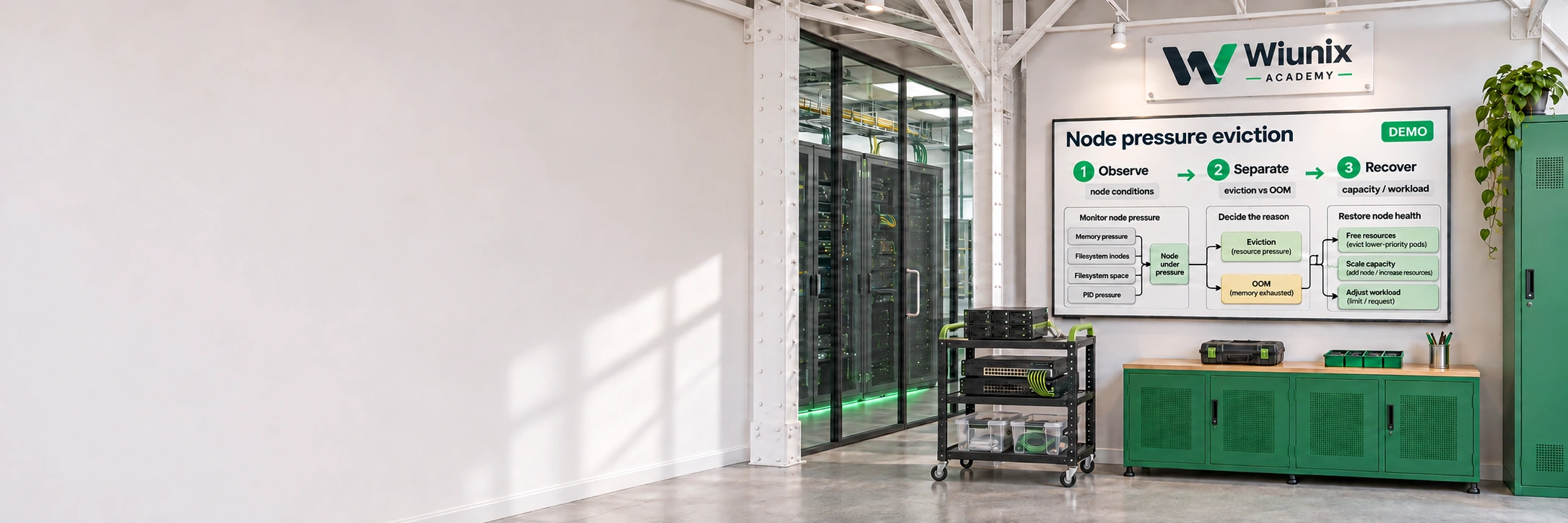
A Pod marked Evicted is not the same as a container marked OOMKilled, and neither is the same as a Pod that never passed scheduling. We connect one failed Pod’s UID and message to the actual node, its pressure history and the workload’s resource contract. No Pod is deleted, drained, restarted or deliberately stressed by this guide.
The kubelet can terminate Pods to reclaim scarce node resources. A controller may create a replacement with a new UID, possibly on another node. Deleting the failed Pod cleans up an object; it does not add memory, disk bytes, inodes or process capacity. Keep the original evidence until its owner has recorded the cause.
This is an existing-cluster investigation for maintained upstream Kubernetes 1.35–1.37 with provider/runtime-specific qualification. The separate CrashLoop/OOM guide covers container startup/restart analysis; this guide addresses node pressure, eviction selection and admission. It does not install kubelet, change eviction thresholds or run a load generator.
Set the failed Pod and its actual node
Open the public-values form and apply the actual namespace and failed Pod name. Read its assigned node before replacing the node example. A new Pod with the same name may have a different UID; a replica or controller replacement is a separate observation, not continuity of the old Pod.
Values stay in this tab for the selected language/environment. Pending or invalid changes block copying until Apply or Reset. The simple 32-character identifier limit belongs to this form; dotted or longer real node/Pod names need the same commands prepared in a trusted editor with exact names. Do not rename objects or enter credentials to fit the lesson.
LET’S BUILD
Check this host’s installed client and package channel
The OS selection describes the administration host running kubectl, not a qualification of cluster-node operating systems. Use the existing approved kubectl under the authorized normal user; sudo can select a different kubeconfig and identity. kubectl is a client, not a daemon, and this workflow installs no kubelet or cluster.
Query the base packages and the client build. Missing tooling means prepare an approved compatible client in a planned change through the team’s official workflow before continuing. Do not replace it with an arbitrary latest package, an Arch package on Manjaro or an unapproved repository. The official setup reference also documents pinned binary/checksum verification; this guide deliberately requires an existing approved client.
Ubuntu 26.10 and LTS 26.04/24.04 use dpkg base-package inspection; Debian 13/12 use the same launcher prerequisites, with Debian 12 LTS package/architecture coverage checked separately. kubectl may be from an approved minor-specific package channel or verified binary; inspect its actual build, not a guessed distro default.
Administration host under the authorized normal user
cat /etc/os-release
uname -m
dpkg-query -W ca-certificates bash coreutils
command -v bash kubectl
kubectl version --client --output=yamlThe existing compatible client and base tools are identified; missing prerequisites stop preparation.
LET’S BUILD
Preserve host trust and access boundaries
Use only the team’s trusted kubeconfig and credential plugin; an untrusted config can request execution of an authentication program. Do not print credentials or raw configuration or put them in the form. Preserve existing file permissions and CA trust; do not disable TLS verification to fix access.
kubectl needs approved outbound API access, not a new inbound listener. Keep active AppArmor or other host policy and resolve plugin/file/network denials with the host owner. This kernel-message inspection concerns only the administration host; it does not certify node security policy.
Same authorized Bash shell on the administration host
sudo journalctl -k --since '-10 min' --no-pager -n 60Host trust/plugin/permission failures are kept distinct from cluster failures; no security policy was disabled.
LET’S BUILD
Pin the selected context in this shell
Compare the context name with the authorized target and keep this Bash shell. The k function in subsequent panels pins that context and a request timeout. Reload this step in a new shell; an empty selection must not silently become another target.
At review time the upstream maintained branches are 1.37, 1.36 and 1.35. kubectl must be within one minor of every API server it may reach; an HA control plane during upgrade narrows the range. Distribution/provider and driver support can impose additional limits. A failed or unavailable server version is not permission to proceed on a guess.
Same authorized Bash shell on the administration host
context=$(kubectl config current-context) || exit 1
test -n "$context" || exit 1
printf 'Selected context: %s\n' "$context"
k() {
    test -n "${context:-}" || { printf 'STOP: load the selected context in this shell first.\n' >&2; return 1; }
    kubectl --context "$context" --request-timeout=20s "$@"
}
k version --output=yaml
The authorized context and actual client/server versions are confirmed, and k is loaded in this shell.
LET’S BUILD
Establish the visibility you actually have
Check namespace reads separately from node, cluster-wide Pod/event and metrics reads. A namespace reader may need the node/platform owner to gather cluster-scoped evidence. A no answer is not proof that the signal is absent, and metrics permission does not imply the metrics API is installed or fresh.
Keep Pod messages, names and node details private. Do not request node proxy access, privileged debug Pods or cluster-admin just to make this article’s optional branch available. No raw kubeconfig, Secret or application log body is required for the initial classification.
Same authorized Bash shell on the administration host
k auth can-i get pods -n 'apps'
k auth can-i list events -n 'apps'
k auth can-i get nodes
k auth can-i list pods --all-namespaces
k auth can-i list events --all-namespaces
k auth can-i get nodes.metrics.k8s.ioAvailable namespace/node/metrics observations and the delegated owner for missing views are known.