

WIUNIX ADS
Ad serving and campaign management.
Run direct campaigns, manage ad placements and coordinate publisher demand across your websites and applications. Control delivery rules and review performance in one advertising platform.
AD DELIVERY UNDER YOUR CONTROL
Control placement, timing and targeting.
Wiunix Ads brings inventory, campaign operations and delivery reporting together for digital publishers, application owners and organizations managing multiple properties. Serve your own promotions or direct-sold campaigns, and configure supported publisher-demand sources for the same inventory.
INVENTORY MANAGEMENT
Define the space available for advertising
Register websites and applications as properties, then define their placements, supported formats and dimensions. Bind campaigns to the appropriate placements and enable or disable inventory as operational needs change. Each placement remains associated with its own property and project.
CAMPAIGN CONTROLS
Set the rules for campaign delivery
Set start and end dates, delivery priority and placement weights. Target direct campaigns by language, country, platform, device type and contextual tags. Session frequency limits and minimum intervals control repeat eligibility; activation, pause and archive actions support day-to-day campaign operations.
PUBLISHER DEMAND
Coordinate providers and fallback routes
Configure supported AdMob and Google Ad Manager demand with placement-specific priority, fallback conditions and consent requirements. Applications load provider ads through the official SDK. Each deployment requires the relevant provider account, ad units and platform acceptance checks.
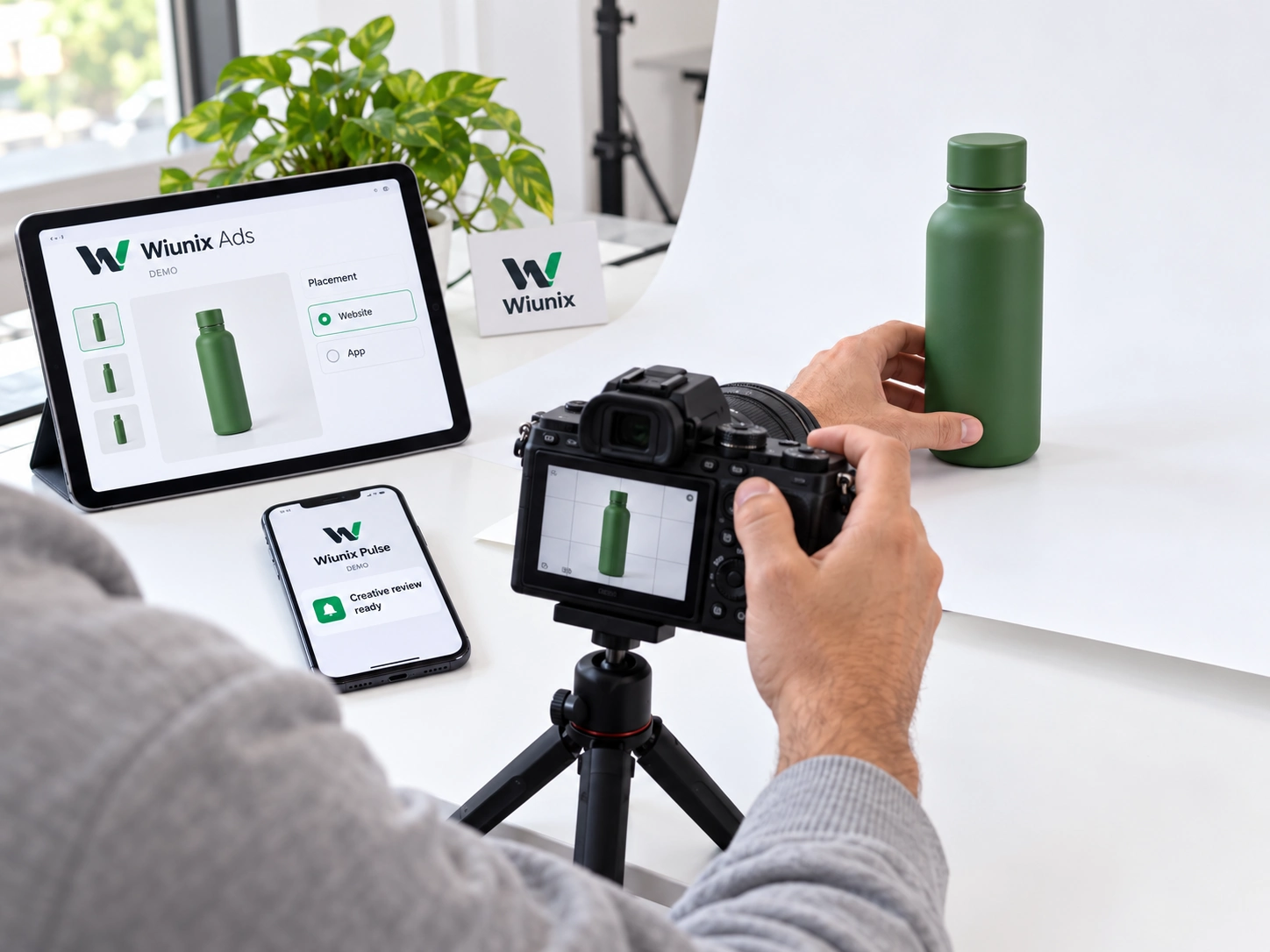
CREATIVE OPERATIONS
Manage campaign content alongside delivery.
Maintain multiple creatives under each campaign, including headline, body copy, image, destination URL, call to action and alternative text. Enable or disable individual creatives and keep their formats aligned with the placements where they can run.
Check assets before activation
First-party creatives use versioned media hosted by Ads. Activation checks verify availability, media type and file validity, and the administration workspace exposes media health. The integration contract also defines how the application should handle a failed image load while retaining the ad text and call to action.
Content rights and destination suitability remain part of campaign approval. Ads manages delivery-ready creative records; it does not replace your creative production or legal review process.
PERFORMANCE AND DELIVERY INSIGHT
Assess performance across your portfolio.
Review 30-day trends for impressions and clicks, campaign performance and publisher-demand results. Account and project filters keep reporting aligned with your portfolio. The analytics workspace includes fill rate, click-through rate and conversion rate, with eCPM and return on ad spend where the required revenue and spend data is available.
Delivery records distinguish requests and selections from actual impressions, clicks, no-fill, errors and timeouts. Reporting reflects the events and aggregated data supplied by the integration; selecting an ad does not count as a completed impression, and reported attribution is not proof of incremental business impact.

01
Placement request
02
Configured selection
03
Application rendering
04
Outcome reporting
Trace delivery issues to the recorded outcome
When a provider returns no ad or a load times out, the application follows the configured fallback conditions and reports the outcome. The delivery workspace shows decisions and provider events so the team can distinguish a routing choice from a loading failure or a confirmed impression.
Define conversion goals and attribution windows within each project. Event collection and the data feeding financial and conversion reports are agreed as part of the implementation scope.
PORTFOLIO GOVERNANCE AND INTEGRATION
Organize access around accounts and projects.
Group properties, campaigns, demand sources and conversion definitions under advertising accounts and projects. Assign operators to the relevant portfolio, and filter operational views and reporting by that scope. Project checks prevent bindings between resources assigned to different projects.
Wiunix ID and Nexus provide identity and organization permissions; Ads resource scopes refine access to advertising work. Management actions are audited, and resources with delivery history are paused or archived rather than deleted. Provider credentials stay separate from ordinary creative content.
Connect Ads to your application environment
Integration covers placement formats, decision and event APIs, provider SDK configuration, consent handling and fallback behaviour. Define the properties, responsible teams and supported provider path before acceptance testing. Provider availability depends on the account, region and platform; application-specific rewards remain the application’s responsibility.
Discuss an Ads implementation →Application integration services →