

WIUNIX VOICE
Business calling across your devices.
Wiunix Voice brings your accounts, calling controls and voice networks into one professional workspace on Windows, Android and iOS. Stay connected to customers and colleagues through the phone service you choose.
EVERYDAY CALLING
Keep every conversation close.
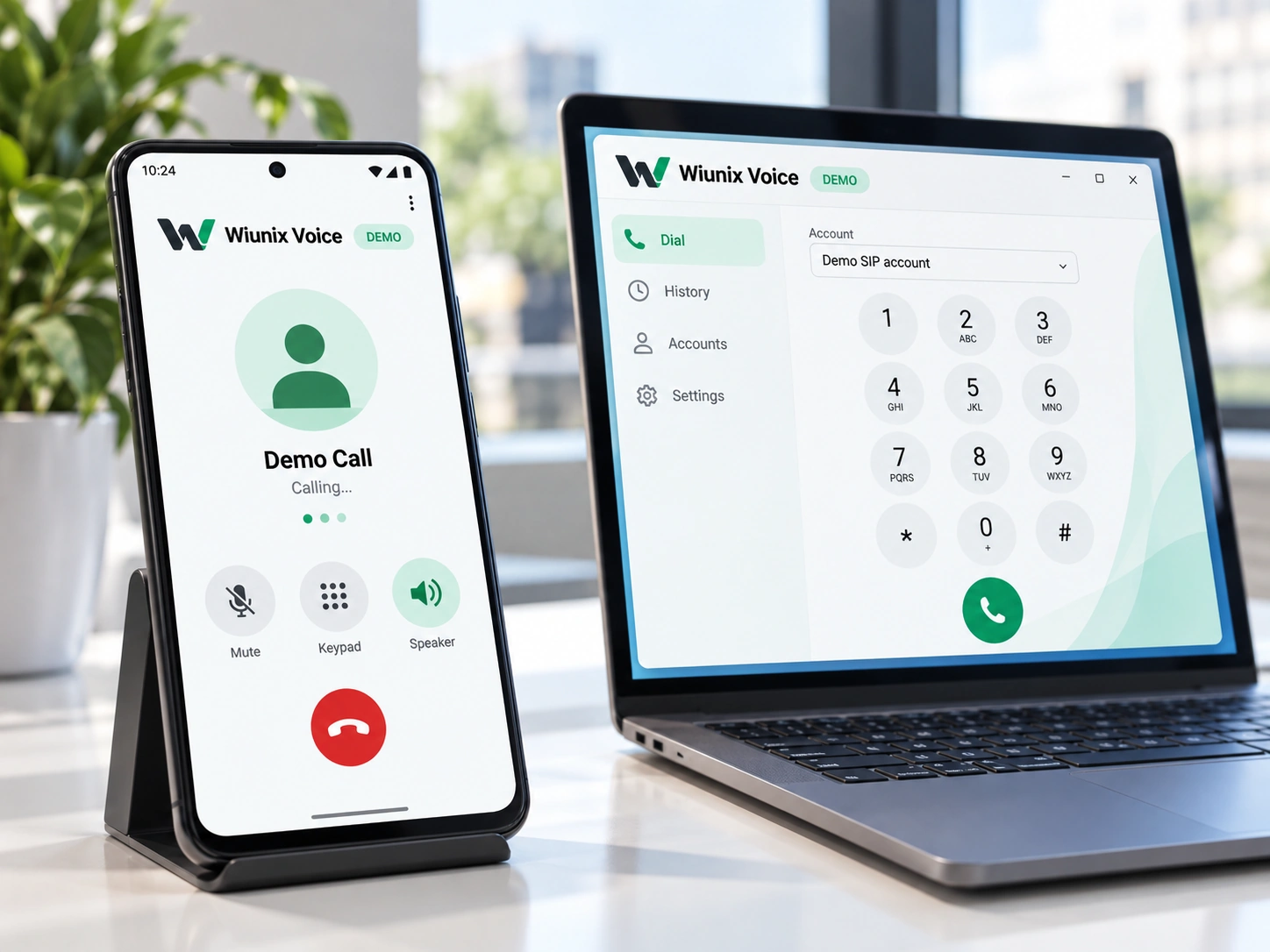
Move from account selection to a conversation without switching between tools. Dial a number or SIP address, answer or decline incoming calls, and return to recent or favorite contacts. Mute the microphone, hold and resume a conversation or use DTMF for an automated phone menu. Clear call states keep the next action easy to understand.
Connect to the service you use.
Keep your existing provider or business PBX. Your service supplies the account, number and permitted call routes; Voice gives you a consistent client for using them. Provider credentials stay local by default, separate from call history and everyday application settings.
For teams whose work depends on conversations.
From customer-facing desks to distributed teams, Voice brings a consistent place to manage work calls across different accounts, devices and voice networks.
Customer-facing teams
Keep frequent contacts, recent calls and in-call actions close, so the conversation stays at the center of the workflow.
Distributed colleagues
Use an existing business account from a desktop or mobile setting, with familiar account selection and calling controls.
Organizations with multiple systems
Bring different provider and PBX accounts into a common client while retaining each service’s identity, routing and account settings.
VOICE NETWORKS AND CALLING
One product. Many voice networks.
A business conversation can involve more than one person or one device. Transfer a caller to the right colleague, bring participants into a conference, handle a waiting call and use voicemail or presence to manage availability. Do-not-disturb and optional local recording give you more control over how conversations fit into the working day.
SIP · IAX / IAX2 · H.323
Connect provider and PBX accounts, direct calls and Gatekeeper environments. SIP transport options cover UDP, TCP, TLS, WS and WSS, while H.323 connections include H.225, H.245 and RAS. Account and server settings remain explicit for each connection.
WebRTC · XMPP/Jingle · Matrix
Bring web calling and communication-platform accounts into the same voice experience. Each network has its own signaling, account authentication and media connection, giving organizations a clear way to work with different communication environments.
SCCP/Skinny · Mumble · Specialist adapters
Cover server-specific calling, push-to-talk and group audio alongside specialized integrations. MGCP/H.248 roles, gateway connections for SS7/SIGTRAN/ISUP and proprietary API/SDK adapters connect the client to the services and telephony environments your organization uses.
Accounts stay under your control.
Manage separate accounts for different providers or working contexts. Set them up manually or review an imported profile before saving, choose the account for each call and keep frequent destinations close. Review recent calls, set local history retention and clear records when you no longer need them.
WINDOWS · ANDROID · iOS
Built around desktop and mobile workflows.
Windows
Keep business calling beside the applications you use at your desk. Native audio, headset workflows and protected local accounts support a focused desktop experience, with clear call controls and a guard against accidentally closing the app during a conversation.
Android
Take your voice accounts with you. Android combines mobile calling, Keystore-protected credentials and incoming-call wake integration with native audio and background handling, keeping the account and conversation within the operating system’s calling environment.
iOS
iOS
Use the same account and calling concepts within the iOS experience. Keychain protects account credentials; CallKit, AVAudioSession and PushKit/APNs connect the application to native calling, audio and incoming-call notifications.
AUDIO, NETWORK AND PRIVACY
Clear controls. Protected account details.
Keep sensitive account details separate from ordinary application data. Platform-protected storage holds provider passwords, while call history and favorites remain independently manageable. Optional local diagnostics can be reviewed, deleted or disabled and exclude credentials, contacts, dialed numbers and audio. Incoming-call push carries no SIP password; the calling client remains responsible for the actual conversation.
Connection technologies and audio codecs
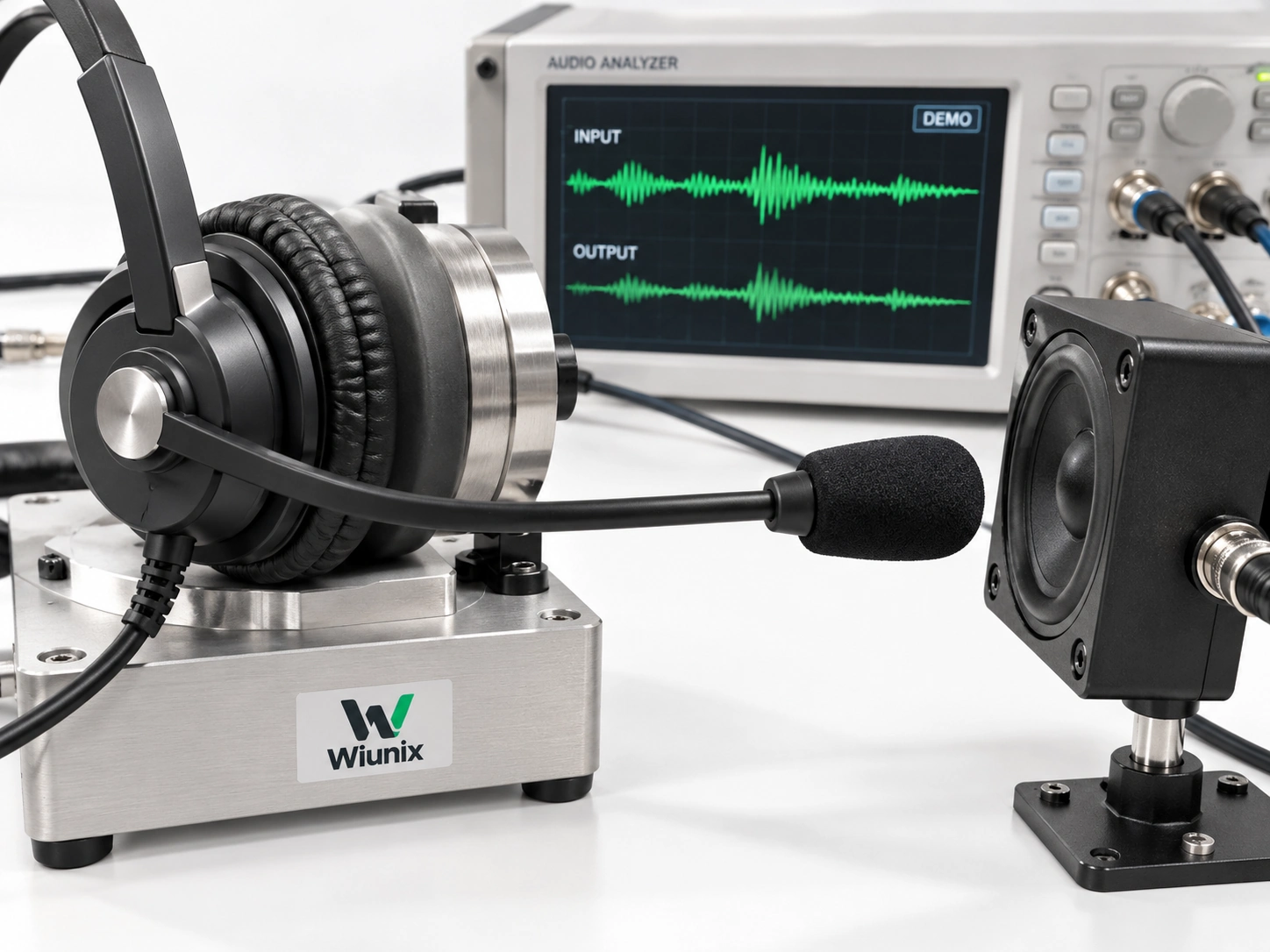
Connection and media technologies: SIP Digest, mTLS, OAuth2/OIDC/Bearer/PKCE; RTP/RTCP, SDES/DTLS-SRTP, ZRTP; ICE/STUN/TURN, IPv4/IPv6 and DNS. Audio codecs: PCMU/PCMA, Opus, G.722, G.729, GSM, iLBC, Speex, G.726 and AMR/AMR-WB.