

WIUNIX / SECURITY HARDENING
Security hardening. Keep control.
Bring access, network exposure and system configuration under control — with changes your team can verify and maintain.
A PRACTICAL APPROACH TO SECURITY
Reduce exposure. Keep your systems workable.
Hardening connects the people who can administer a service, the paths that can reach it and the settings it relies on. Start with a critical workload, agree the boundary and make changes your team can verify and maintain.
01 / ACCESS
Deliberate access
Give people and services the permissions their work requires.
02 / CONFIGURATION
A clear baseline
Define intended settings and keep operational exceptions visible.
03 / VERIFICATION
Evidence and ownership
Connect each change to its check, result and responsible owner.
ACCESS, SECRETS AND NETWORK BOUNDARIES
Review the paths into your critical services.
The engagement selects the systems and controls to review. Begin with who can enter, which credentials they use and what those identities can reach.
Privileged and service access
Review administrative roles, shared access and service identities. Separate routine use from privileged work; retain additional permissions only with a clear reason and owner.
Agree how access is reviewed when people, roles or services change.
Secrets and credentials
Trace where credentials are stored and which services depend on them. Identify secrets in configurations or delivery paths, then agree custody, rotation and removal responsibilities.
Plan credential changes around dependent services.
Network boundaries
Identify public entry points, administration interfaces and routes between trust zones. Distinguish required connectivity from accidental exposure before restricting a path.
Check intended connectivity as well as the restriction after a change.
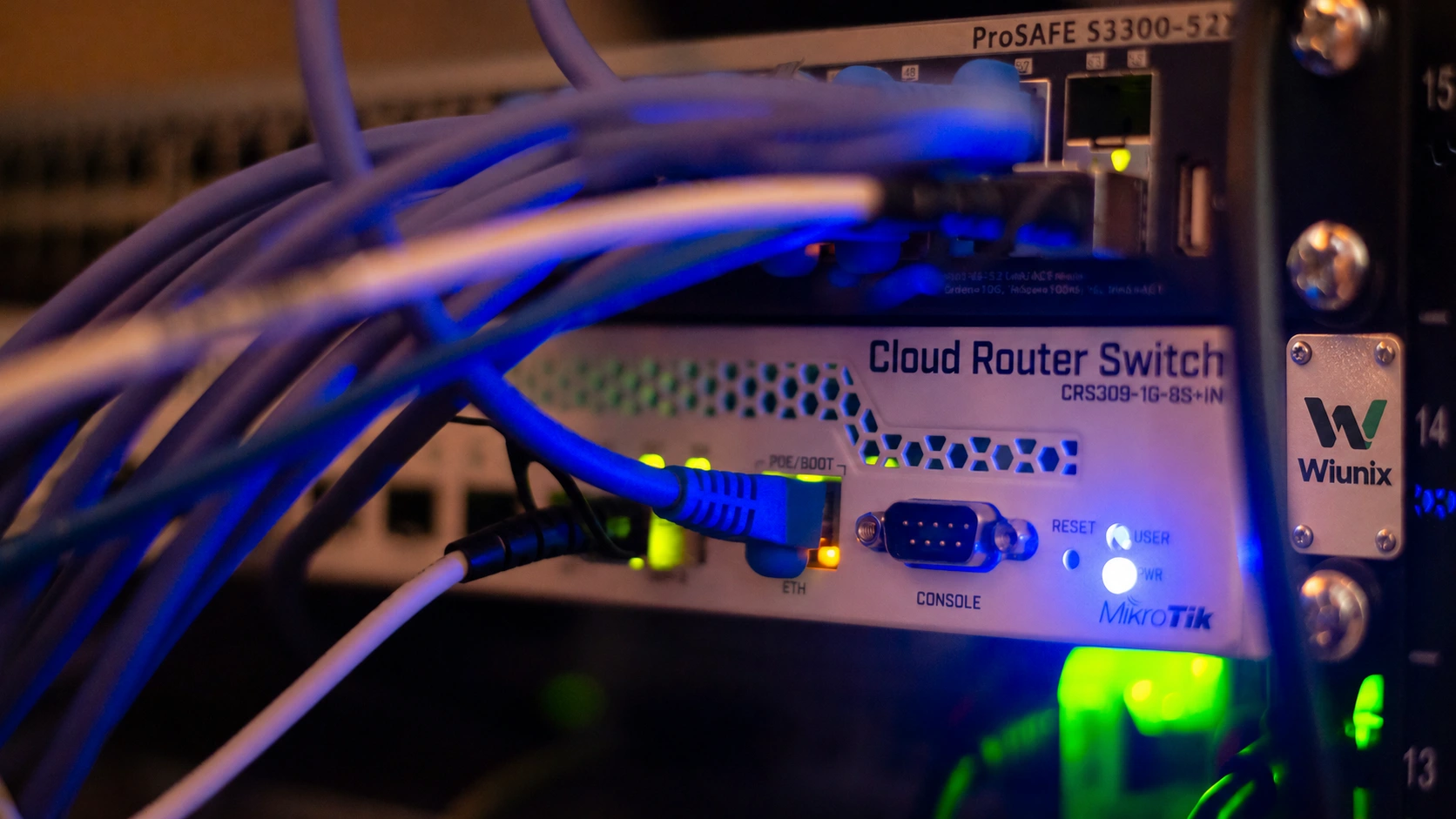
Albert Stoynov / Unsplash · photographic adaptation for WIUNIX
IN PRACTICE
An administration interface needs a deliberate access path.
Identify its legitimate operators and dependencies, agree the intended route, apply the selected restriction and verify that required operations still work. Record the result and any remaining exception.

Field Engineer / Pexels · illustrative photographic adaptation for WIUNIX
PREPARE FOR THE WORKING SESSION
Bring the context behind the configuration.
Identify critical services, availability needs and the owners of systems, network policy, credentials and deployments. Bring relevant architecture, recent findings and known exceptions through an agreed secure channel.
Do not send passwords or secrets through the contact form.
CONFIGURATION, DELIVERY AND FOLLOW-UP
Make the intended state easier to maintain.
A changed setting is only useful when its purpose, operational constraints and verification are understood. Keep configuration decisions connected to the way software reaches production.
Workload and system baselines
Review enabled services, administrative settings and patch responsibilities against the selected workload. Define intended settings and record why any operational exception must remain.
Keep availability constraints and configuration ownership explicit.
Build and dependency controls
Map how software and configuration reach the environment. Review deployment identities, repository access and dependency decisions alongside the systems they can change.
Agree review and maintenance responsibilities for the selected scope.
Evidence and follow-up
Define checks before implementation. Record the selected change, verification result, unresolved risks and the person responsible for maintaining or revisiting the control.
Connect each priority to its change, check and owner.
A HANDOVER YOUR TEAM CAN USE
Keep the decisions and the evidence.
The agreed scope determines the records. A useful handover explains the intended baseline, why a change was made, how it was checked and what remains open. It gives your team a practical way to maintain control after the engagement.
BASELINE
Intended settings, permitted access and documented exceptions.
VERIFICATION
Changes, checks, results and outstanding risks.
OWNERSHIP
Responsibilities for configuration, credentials, patching and the next review.
Scope and timing follow the initial discussion. This page describes infrastructure hardening; it does not imply a fixed package, penetration test or certification.