
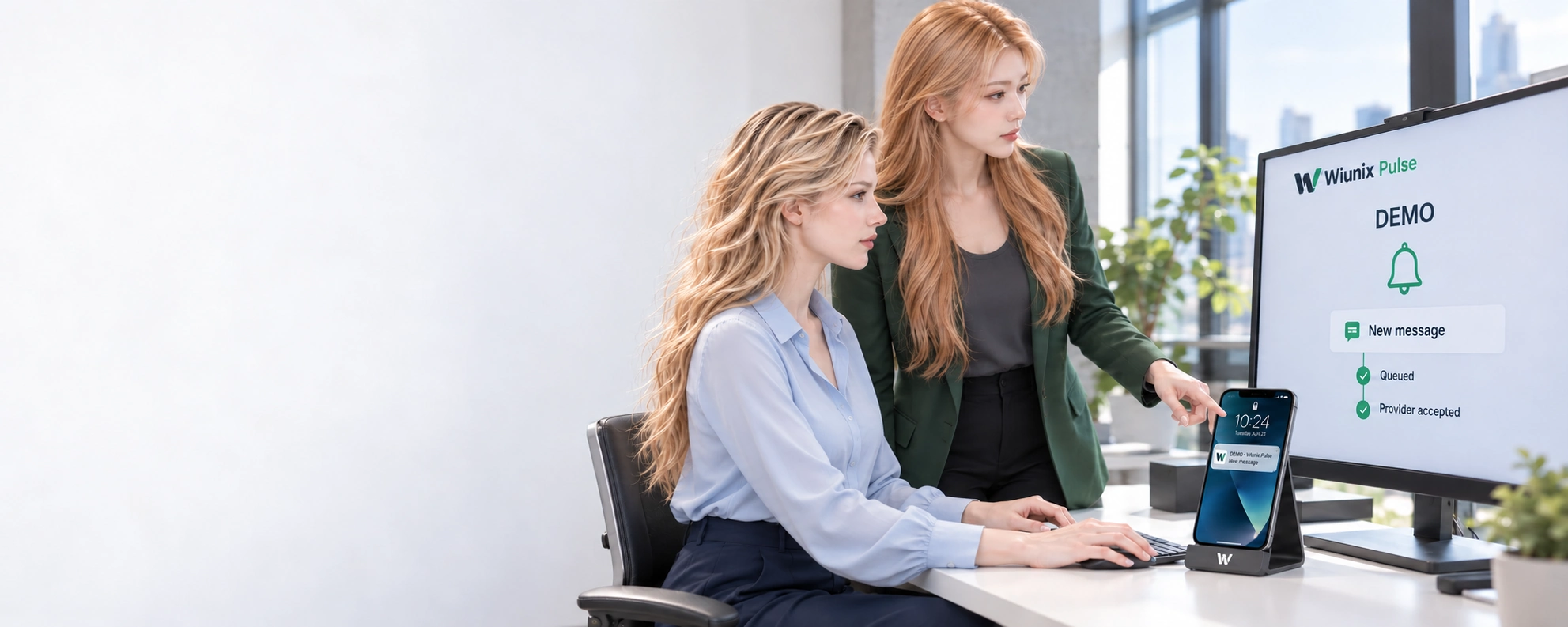
WIUNIX PULSE
Push notifications. Managed delivery.
Send application notifications, organize audiences and campaigns, and follow delivery outcomes from one workspace. Connect your backend to the push channels your application needs.
NOTIFICATIONS ACROSS YOUR APPLICATIONS
One workspace for applications and recipients.
Pulse brings notification setup, sending and delivery operations together for application teams. Use it for product messages, service updates and operational notifications, with a clear scope for each application and environment.
Keep each application organized.
Create projects, separate development and production environments, and register applications with their platform and channel. Manage backend API keys with explicit capabilities, expiry and rotation. Team access follows the organization and project assigned to each person.
Send to a user, installation or topic.
Register installed instances, associate them with application-defined users and manage topic subscriptions. Submit a message to an exact installation, a user or a topic through the application API. Your product determines who is entitled to receive it.
Maintain recipient preferences.
Store preferences for users or installations. Campaign audience evaluation respects category opt-outs and configured frequency limits before recipients are selected.
Connect through a backend API.
Application-scoped message and endpoint APIs and an included Rust client SDK support integration. Keep sending keys on a trusted backend; browsers and mobile apps use their own product’s authenticated interface.
TEMPLATES, AUDIENCES AND CAMPAIGNS
Prepare a campaign around a defined audience.
Create notification templates with defined content and a selected language. Select a topic, a segment defined by supported attribute rules, or a test installation. Choose the application, channel, schedule, message lifetime and sending rate before activating the campaign.
Campaigns start as drafts. Scheduling, pausing, resuming and cancelling are separate controls. Pulse records the selected recipients and shows enqueue progress and final failure codes. Pausing or cancelling stops pending work; it does not recall notifications already queued or displayed.
A service-update example
For a planned service change, use a dedicated topic for subscribed installations. Prepare the message template, choose the affected application and schedule the campaign. Review the recipient snapshot and queued results; keep provider acceptance separate from evidence that a person saw the notification.
Bounded, explicit campaign execution
Campaign execution supports up to 10,000 recipients per campaign, with configurable enqueue rate and message expiry. Templates must be ready to send: unresolved variables are rejected. This is notification campaign management; no email/SMS delivery, journey builder or automatic content personalization is implied.
DELIVERY OPERATIONS
Know what happened to each message.
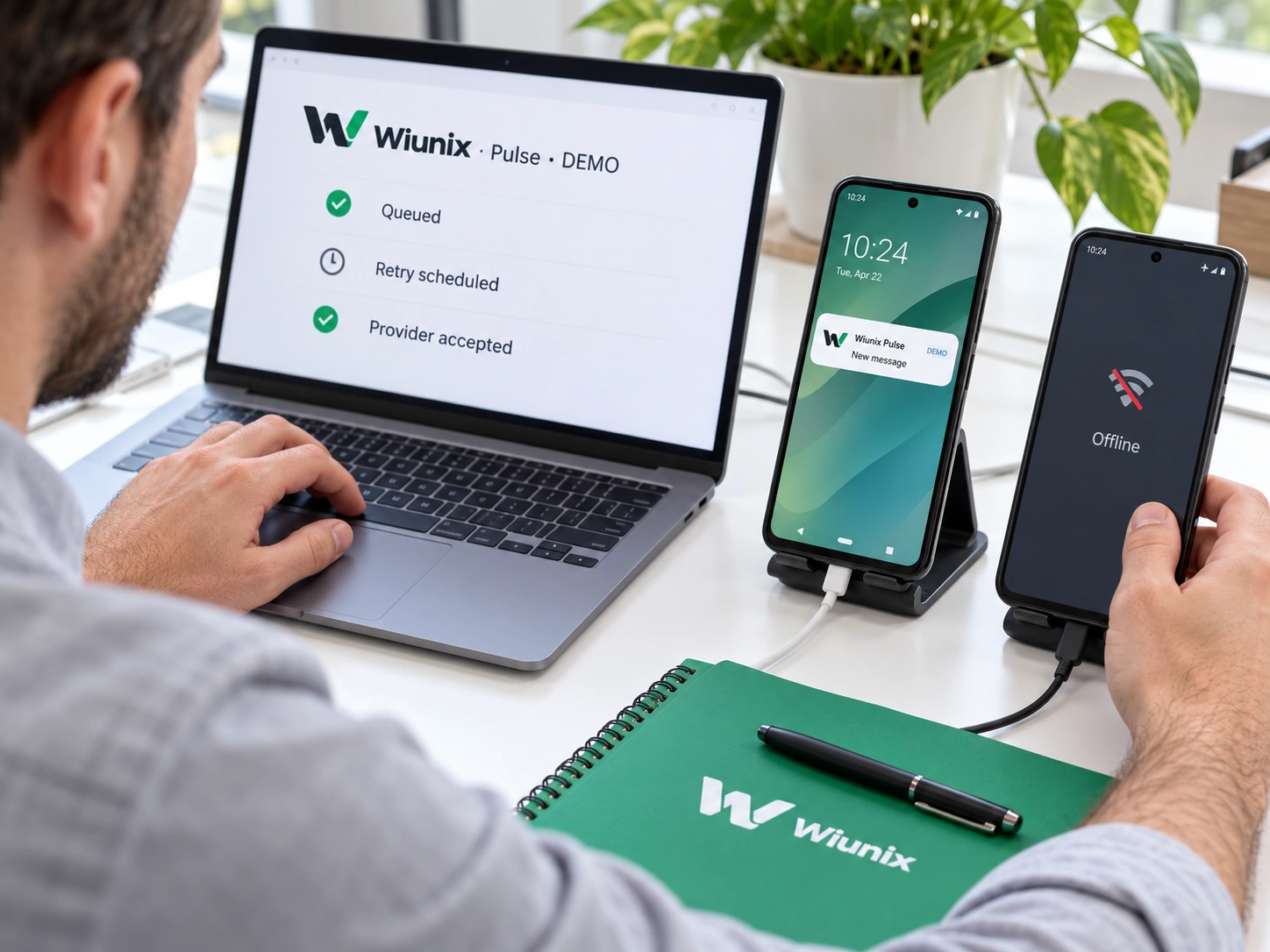
Inspect messages, delivery attempts, queue states and final failures. Pulse retries eligible transient failures with bounded backoff and provider guidance. Endpoint rotation, revocation and invalid-provider responses are handled as part of the destination lifecycle.
Connect delivery events to your systems.
Signed webhooks report events such as message queued, provider accepted, endpoint invalidated, delivery failed and campaign completed. Review each webhook’s attempt history, rotate its signing secret and pause or revoke an endpoint when required. Your receiver must verify signatures and handle duplicate events.
Queued, accepted and seen are different outcomes.
A queued message is waiting for processing. Provider acceptance confirms acceptance by the push service, not display on a device. Browser display, opening, inbox read state and explicit human acknowledgement are separate signals where the client integration implements them. Use those distinctions when reporting results.
PUSH CHANNELS AND PLATFORM READINESS
Choose the channel your application needs.
Pulse includes direct provider integrations for FCM, Web Push, APNs, WNS, Huawei Push Kit and Amazon ADM. Availability for your application depends on its exact provider configuration, platform capabilities and device qualification. A connector alone is not a promise that every device is ready.
Recorded Android and Web Push acceptance
Production FCM acceptance includes a scoped Android application test. A separate Windows Edge Web Push path has recorded provider acceptance, browser display, Windows notification display and explicit human acknowledgement. These results apply to the applications and environments tested, rather than all Android devices or browsers.
Apple and additional platforms
APNs and VoIP/PushKit still require Apple credential onboarding and physical-device acceptance. WNS, Huawei and ADM routes also need application-specific configuration and qualification. Incoming-call push is a wake-up signal; your voice application still owns call state and media.
PLAN YOUR PULSE INTEGRATION
Define the application, audience and delivery requirements.
What your team brings
Identify your application and environments, notification use cases, recipient rules, expected campaign size and supported devices. Agree provider credentials, consent and unsubscribe handling, safe notification content and acceptance criteria. Your backend selects authorized recipients; your client manages permission, display and secure navigation.
What Pulse manages
Pulse manages provider credentials, routing, delivery state, retries and endpoint invalidation. Provider secrets are write-only in the management interface. Keep backend sending credentials out of browsers and mobile packages. Confirm the chosen channels and support scope before rollout; standalone self-hosted packaging is not part of the current offer.